

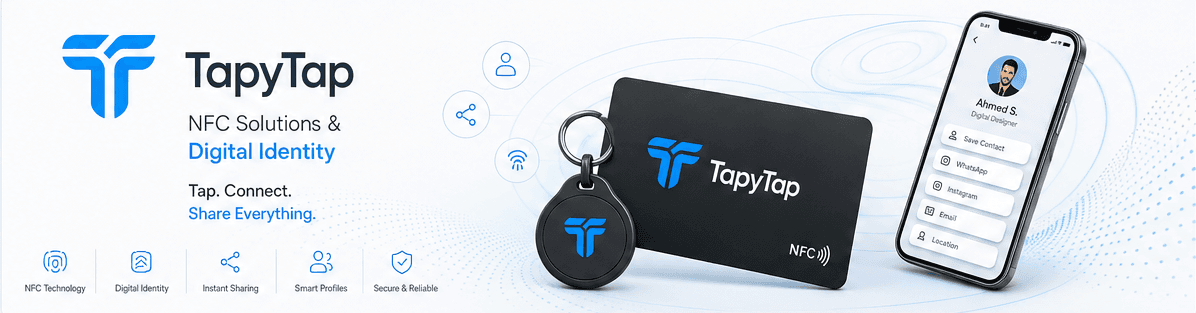
Paymob + TapyTap
Add a payment link block to your profile. Customers tap your NFC card and pay via Paymob — ideal for freelancers, consultants, and small businesses in Egypt.
Setup
1. Create a Paymob payment link
2. Add a Payment block in the Profile Builder
3. Paste your Paymob URL
4. Share via NFC or QR
R
Rami Al-Hassan
Head of Growth at TapyTap